POKYH on your Android home screen.
One minute with Chrome. The app lands on your home screen as an icon and updates itself.
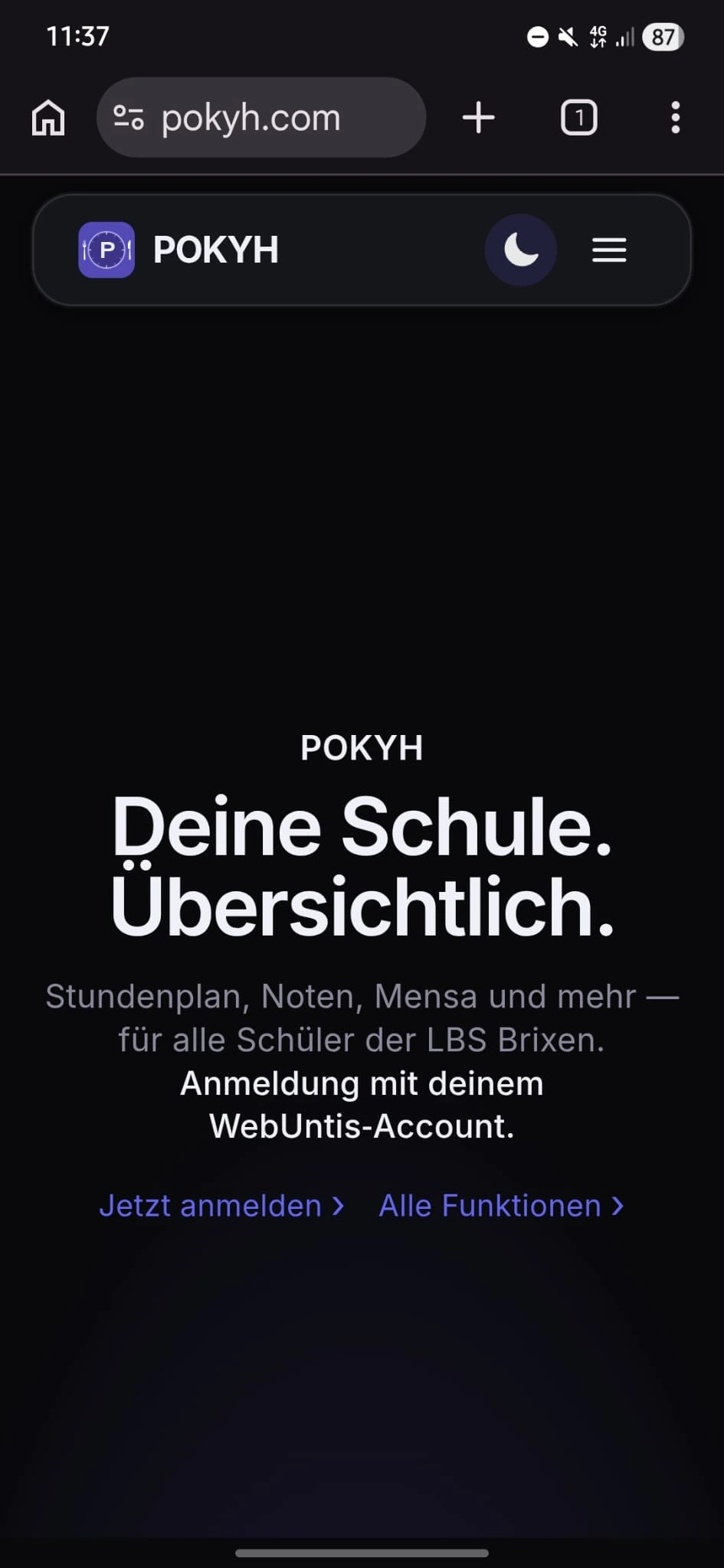
Open Chrome
Open Google Chrome on your Android device and go to pokyh.com.
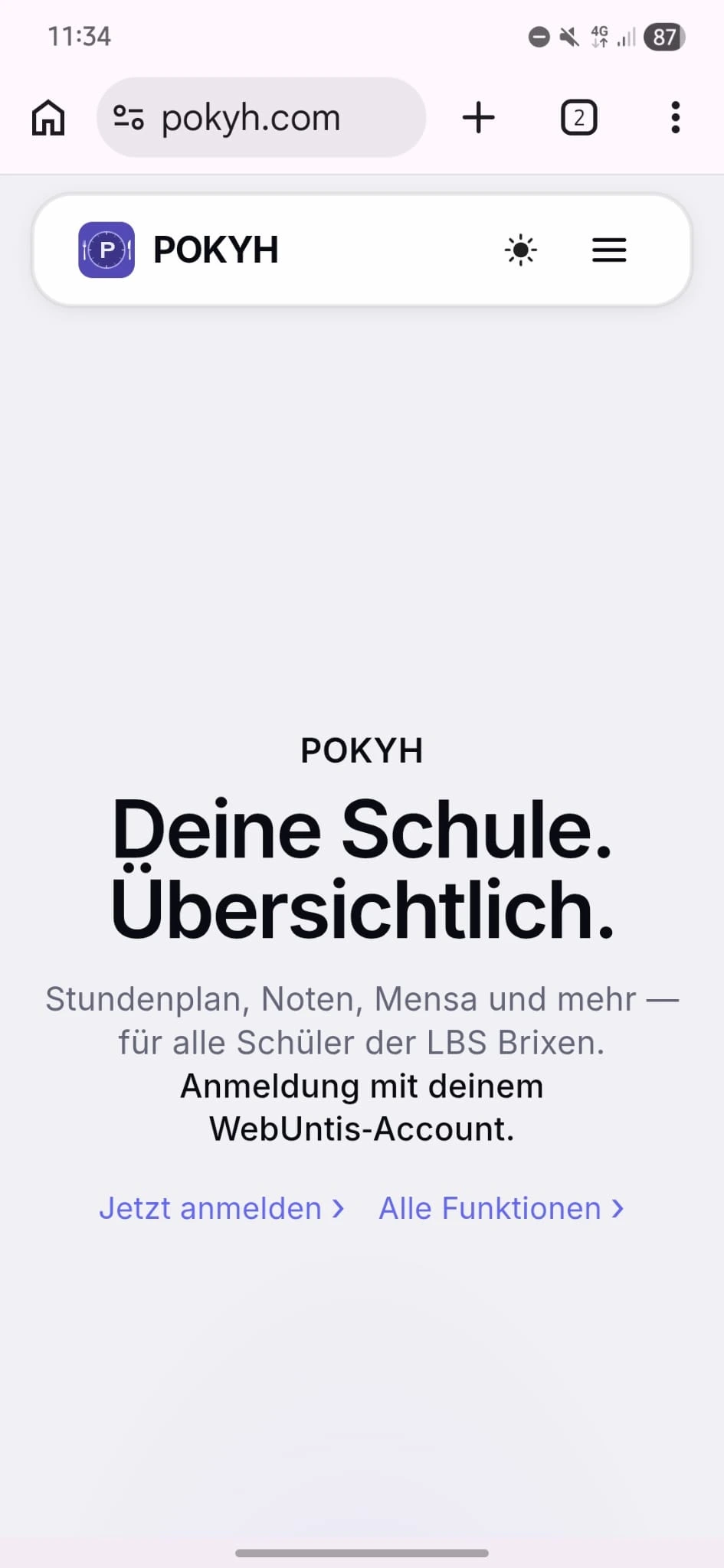
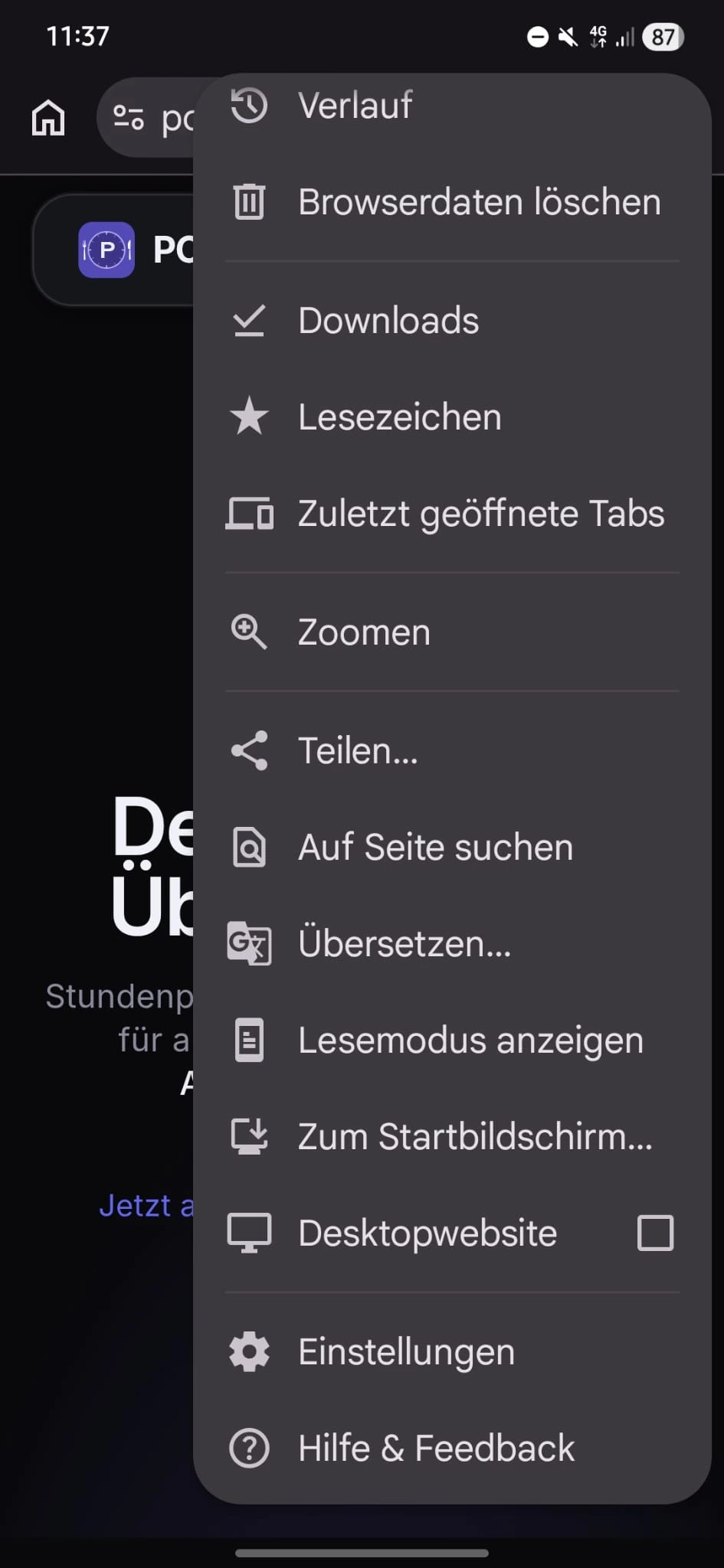
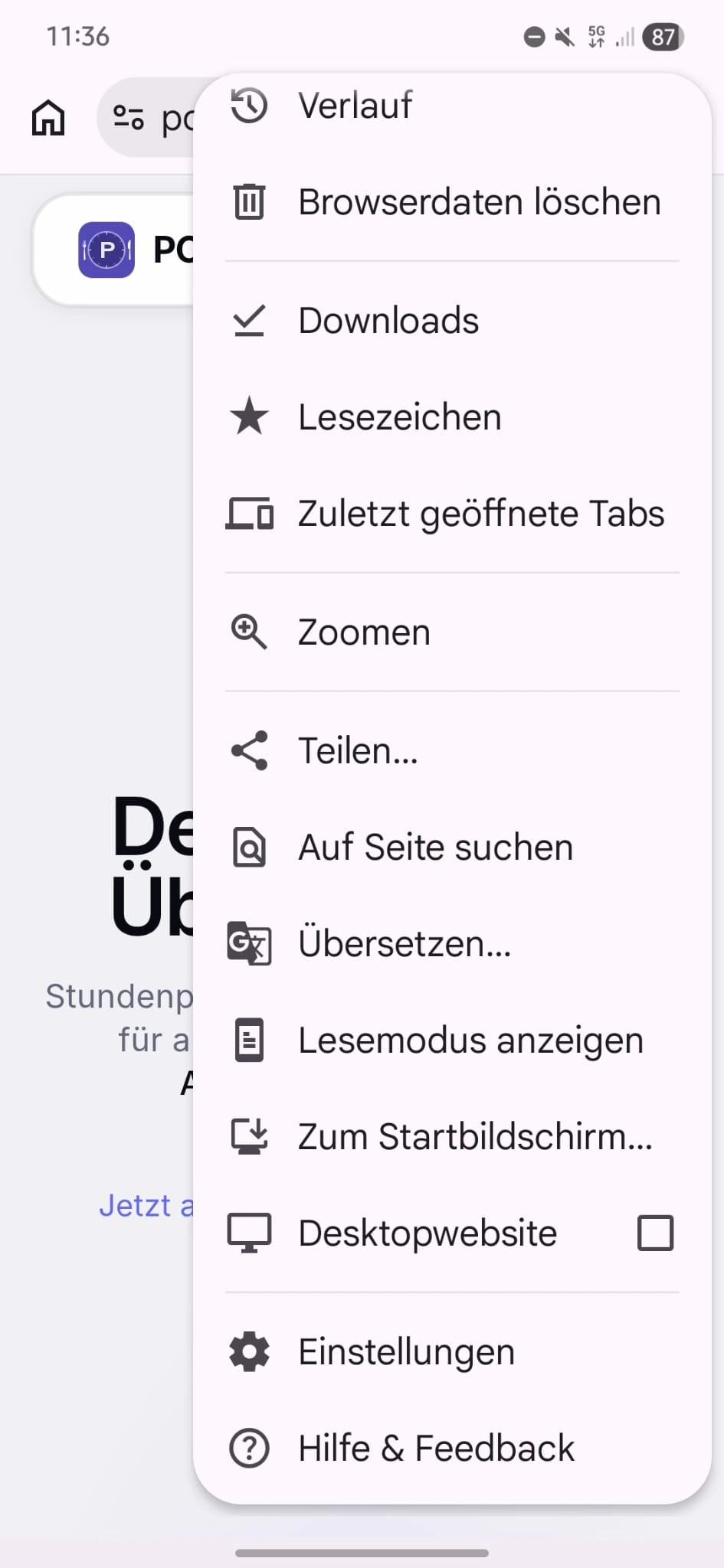
Open the menu
Tap the three dots (⋮) in the top right and choose “Add to Home screen” or “Install app”.
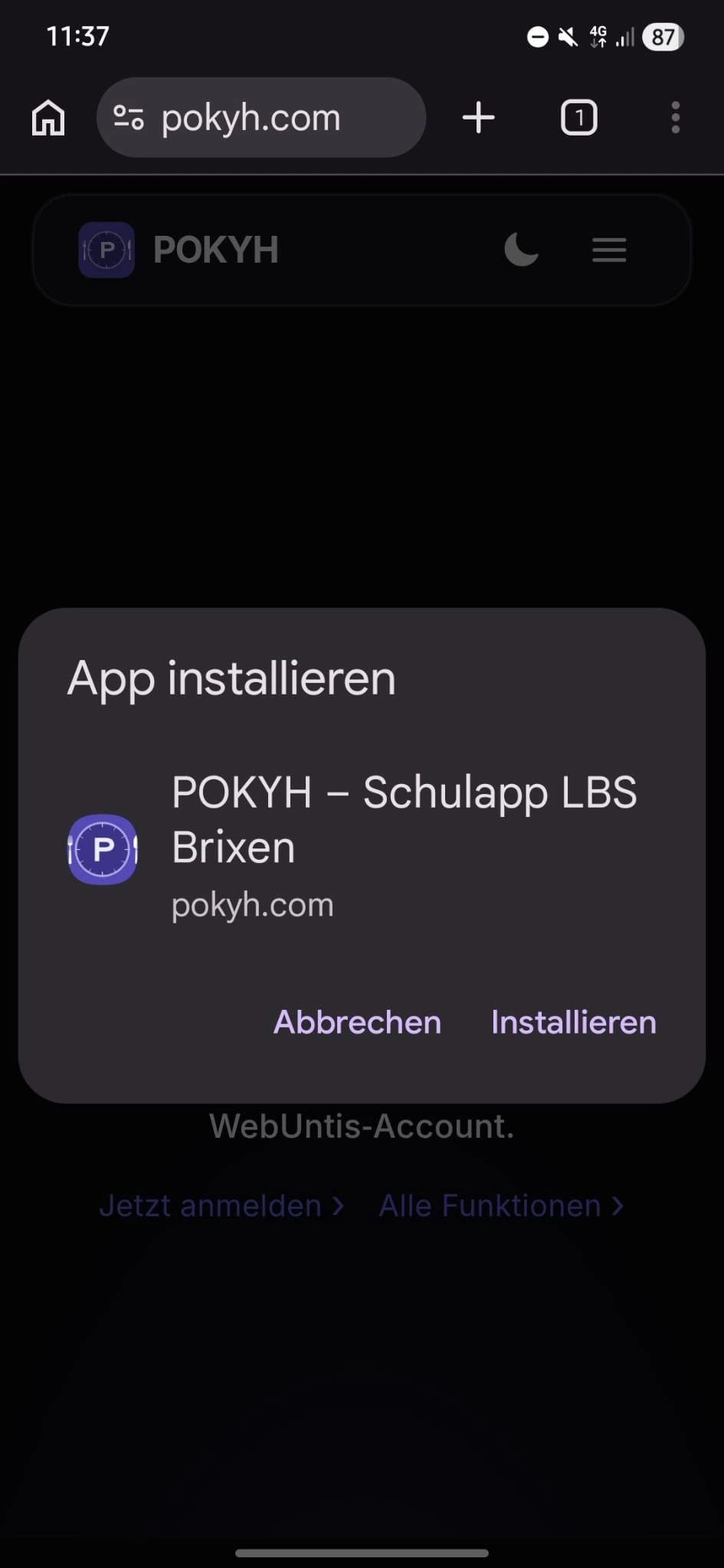
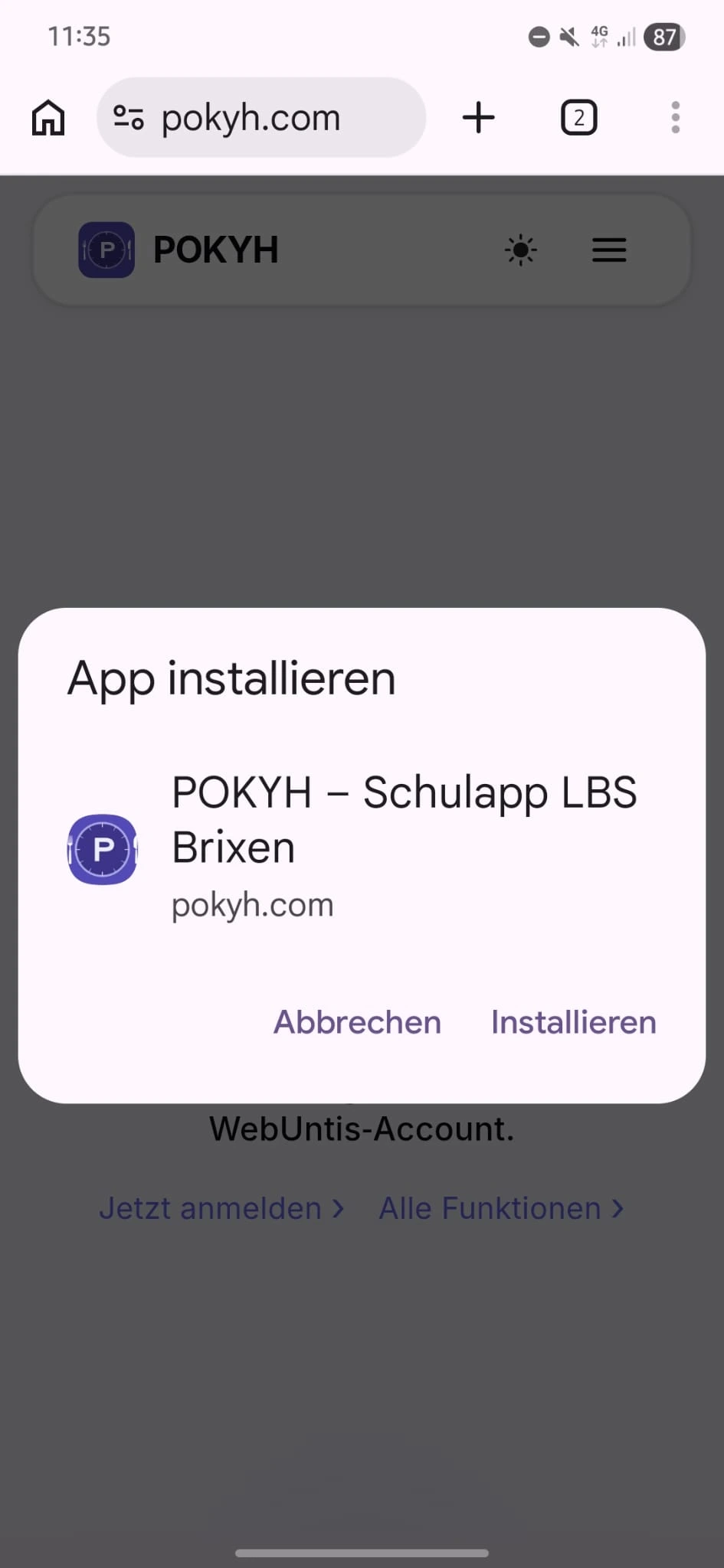
Confirm
In the dialog, tap “Install” or “Add”.
Done
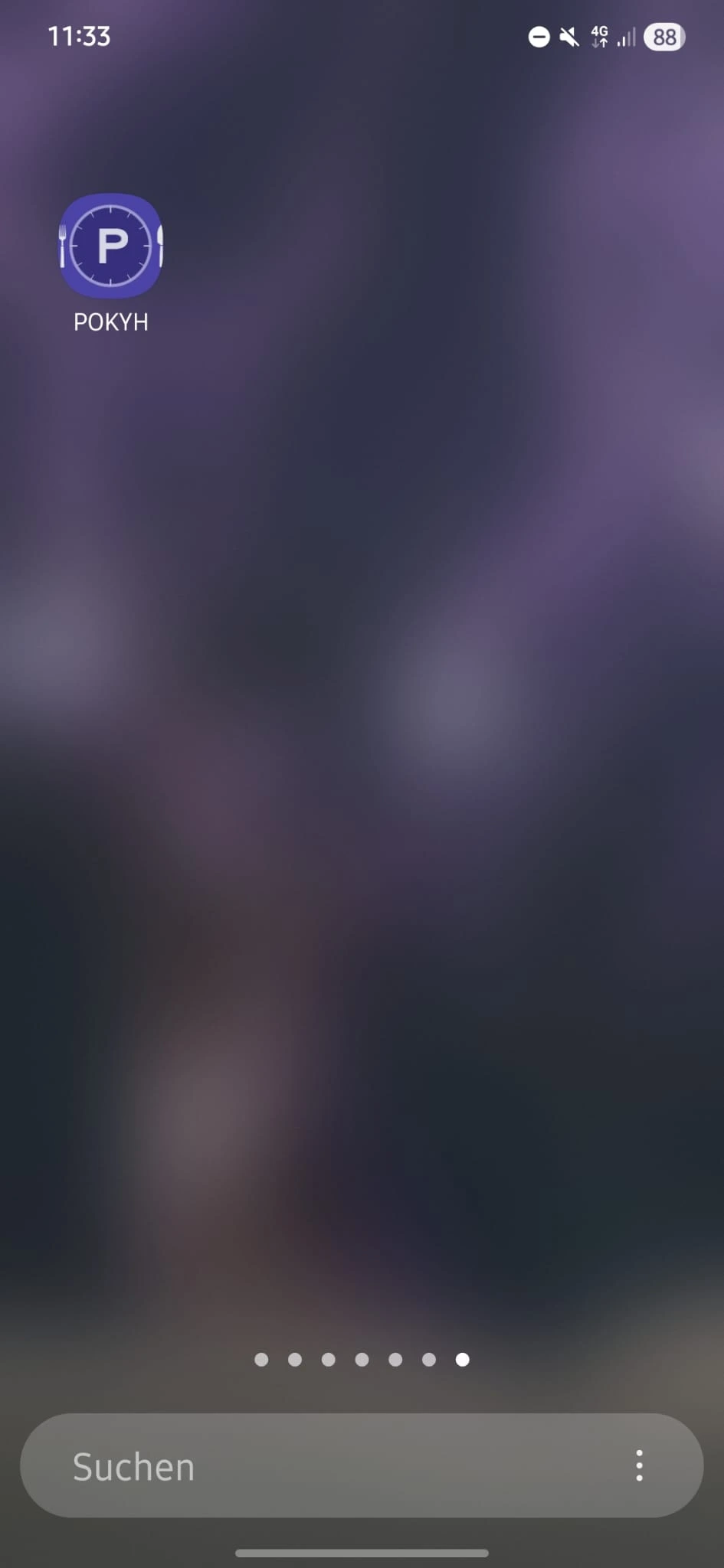
POKYH is an icon on your home screen and opens without an address bar. Updates arrive automatically.