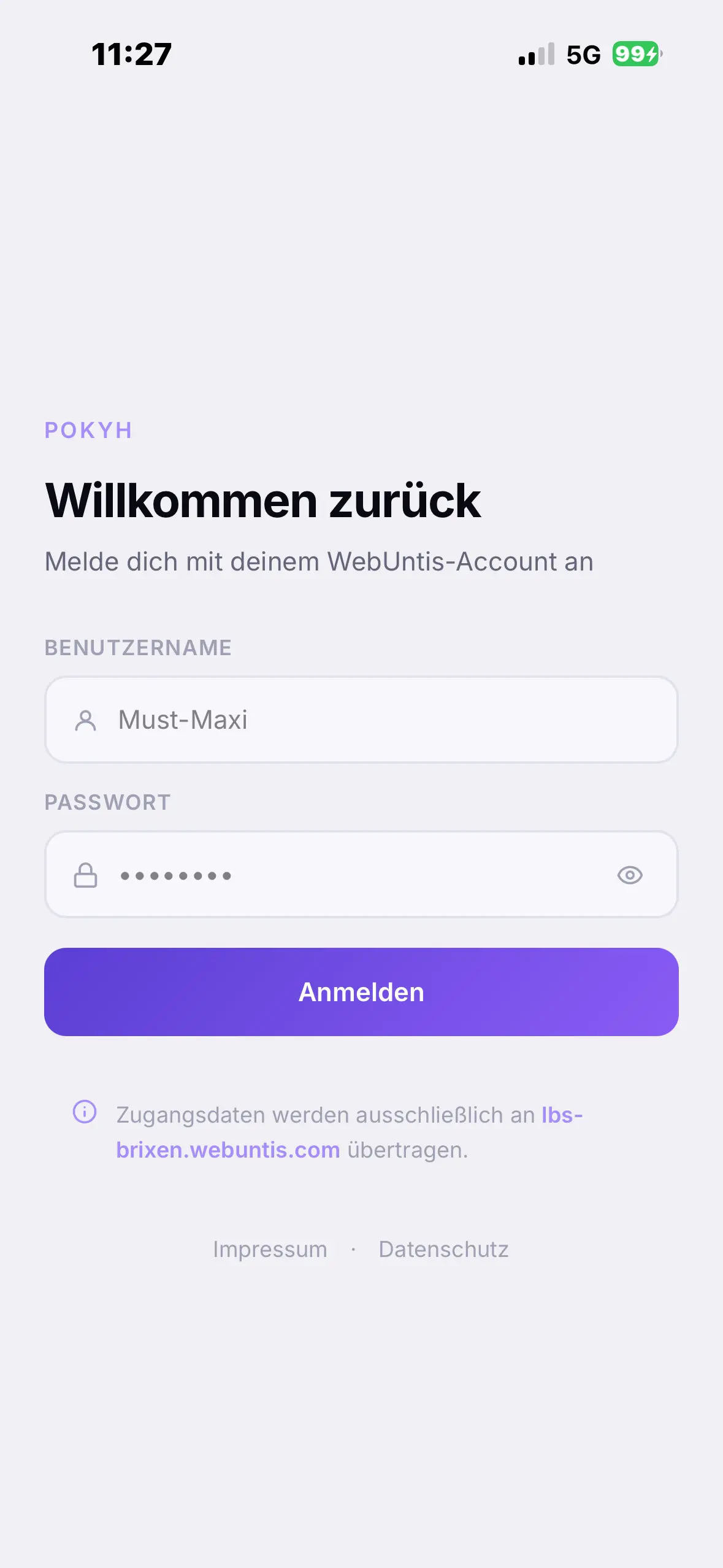
POKYH on your iPhone’s home screen.
One minute with Safari. The app lands on your home screen as an icon and updates itself.
Open Safari
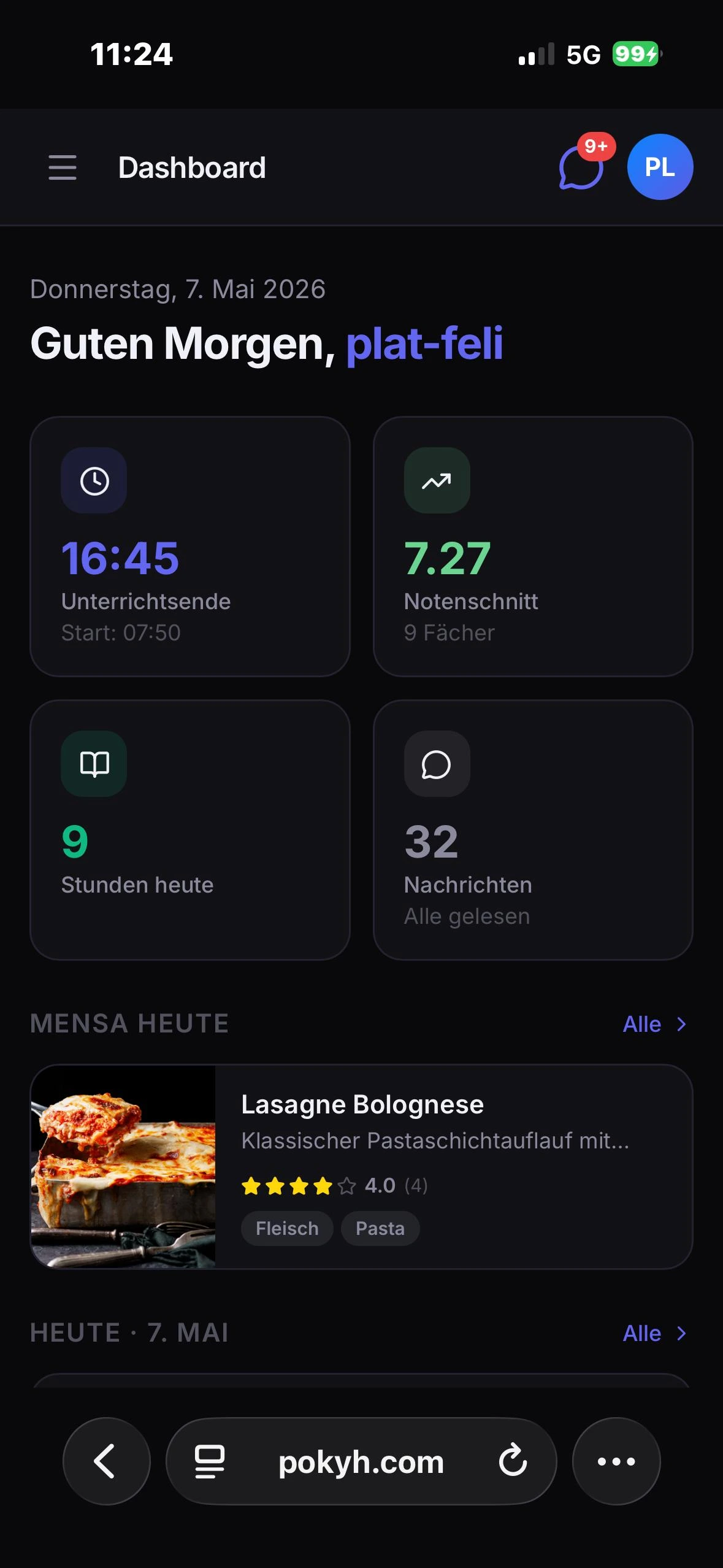
Open Safari on your iPhone or iPad and go to pokyh.com. On iOS, installing only works in Safari.
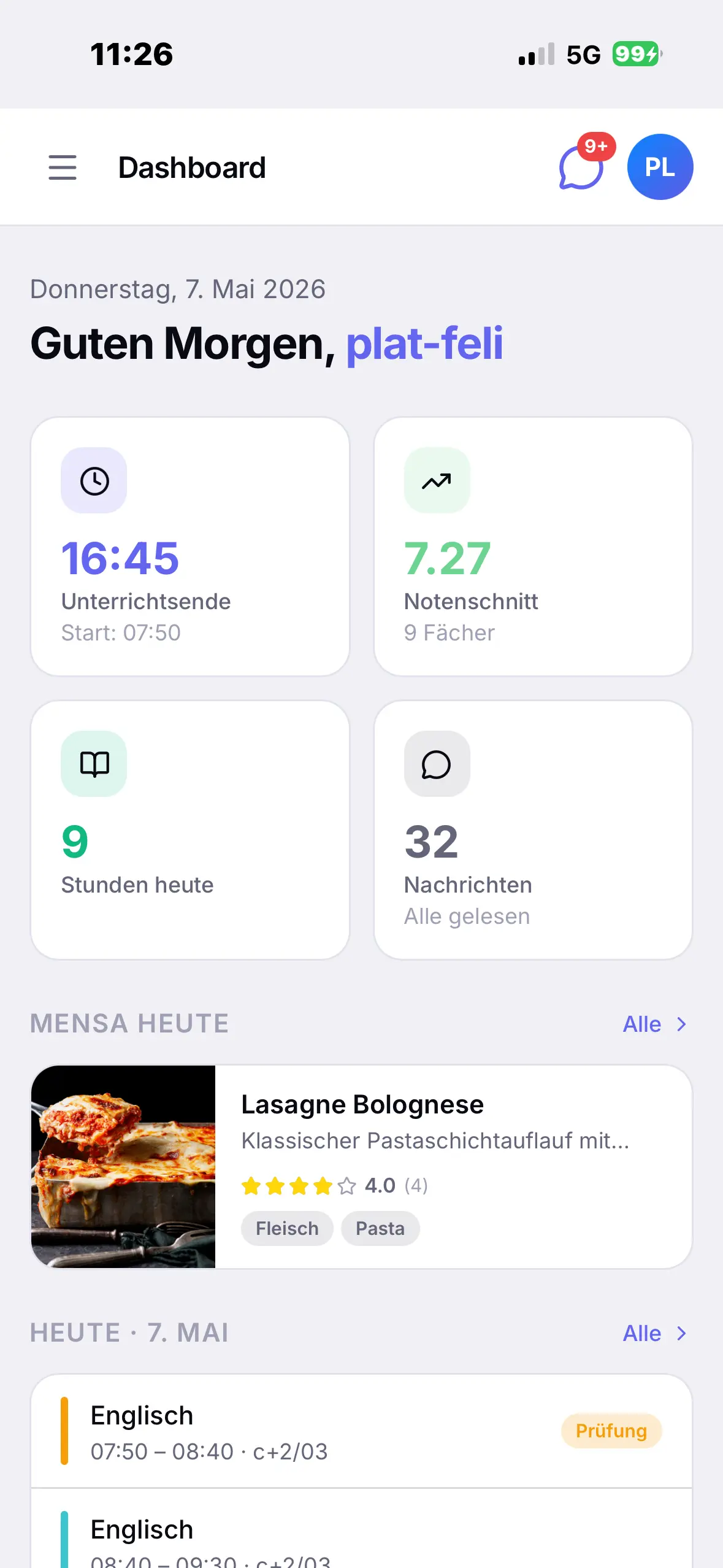
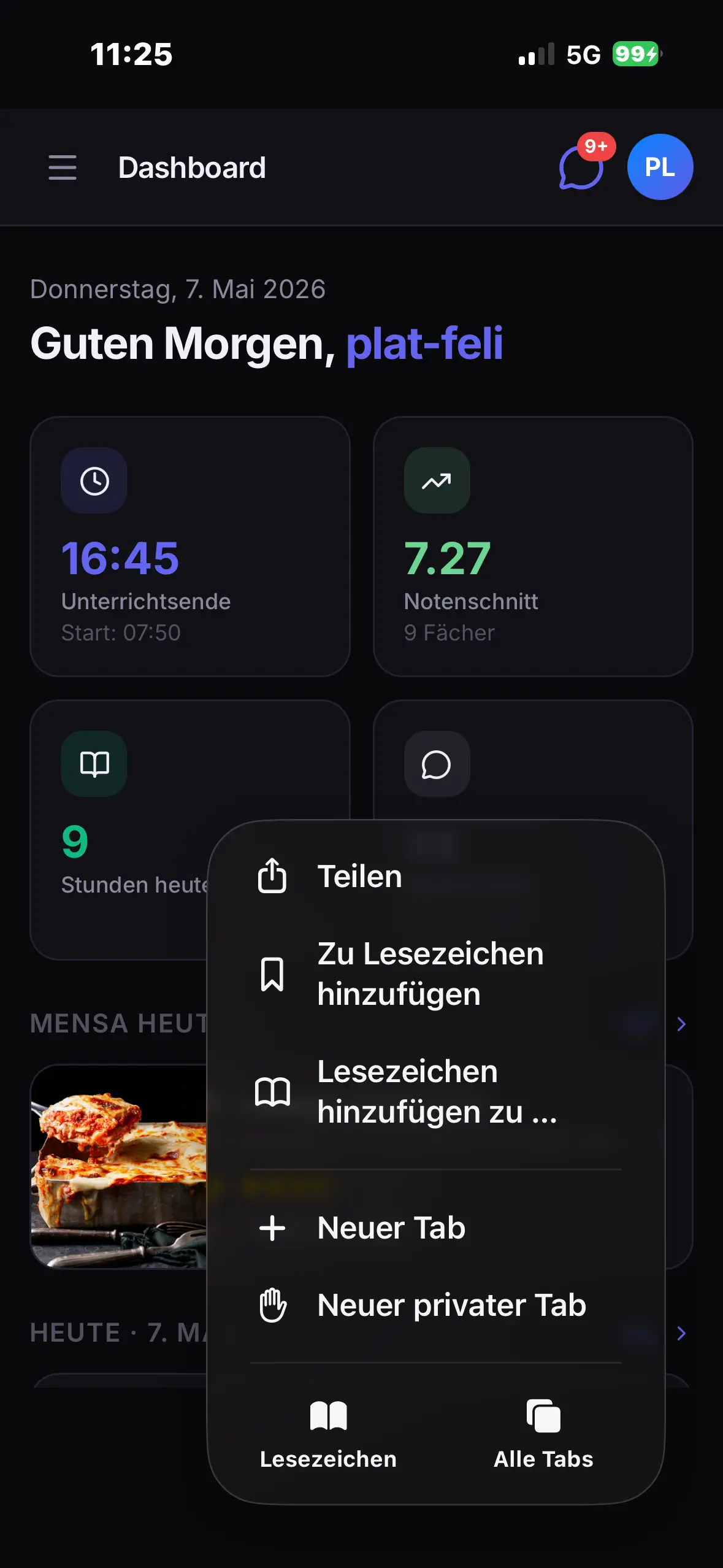
Tap Share
Tap the Share icon , the square with the arrow pointing up. On iPhone it’s at the bottom centre.
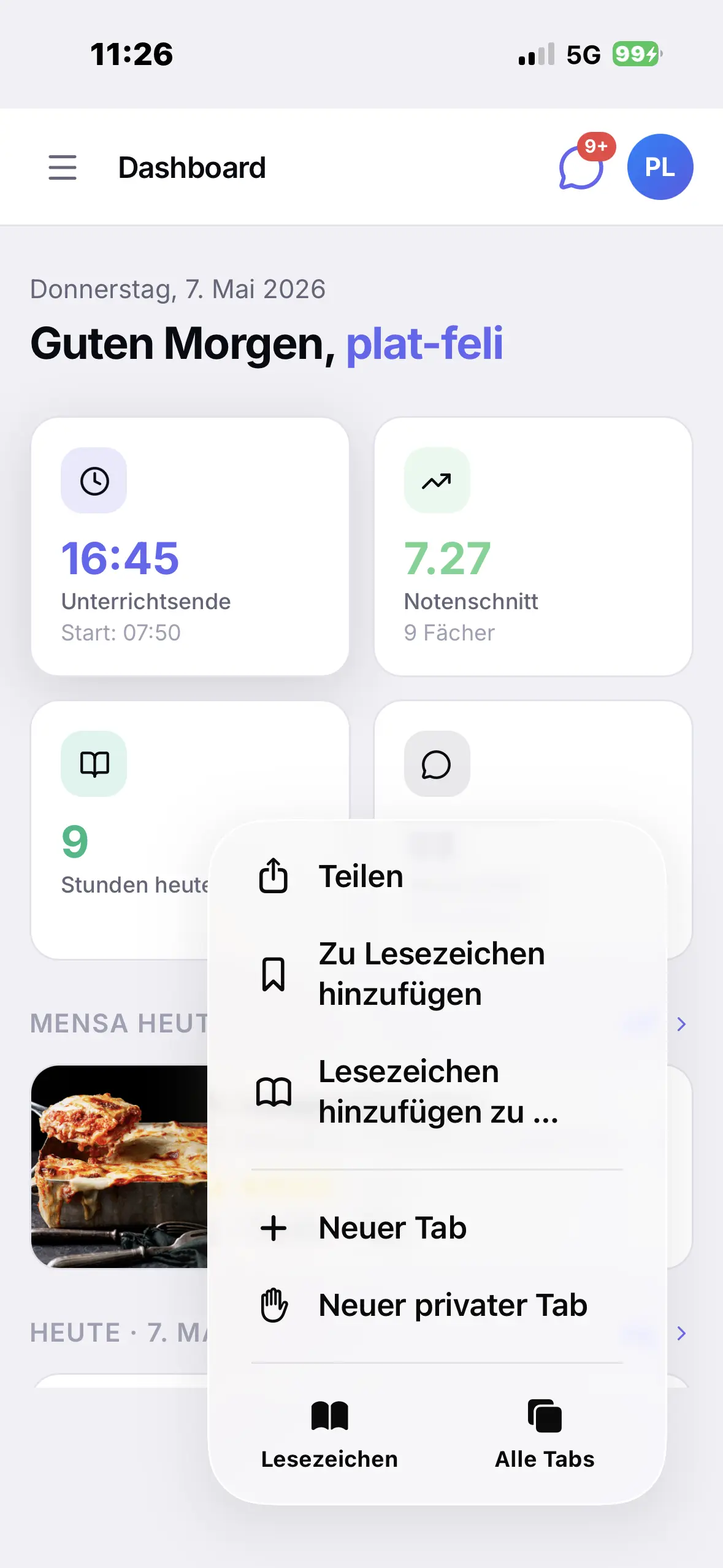
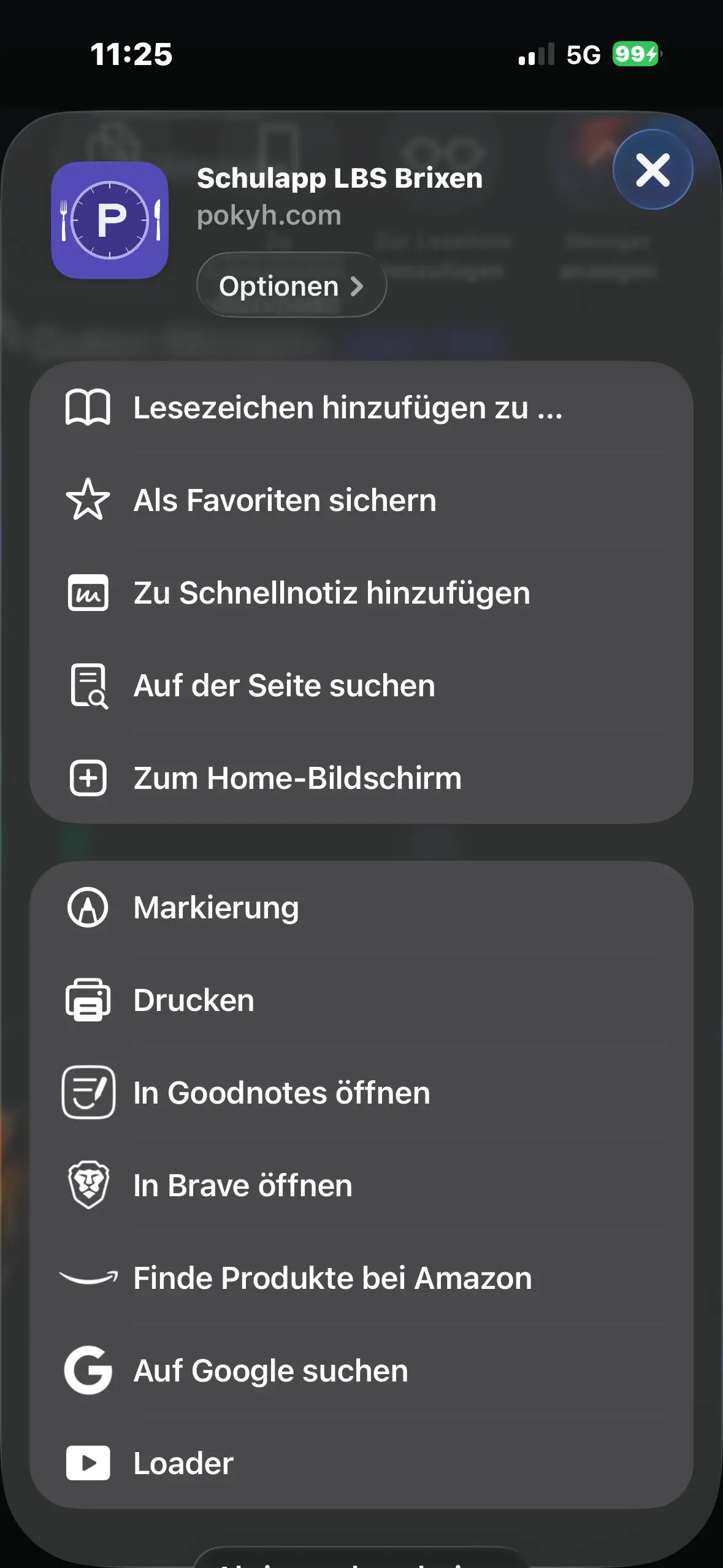
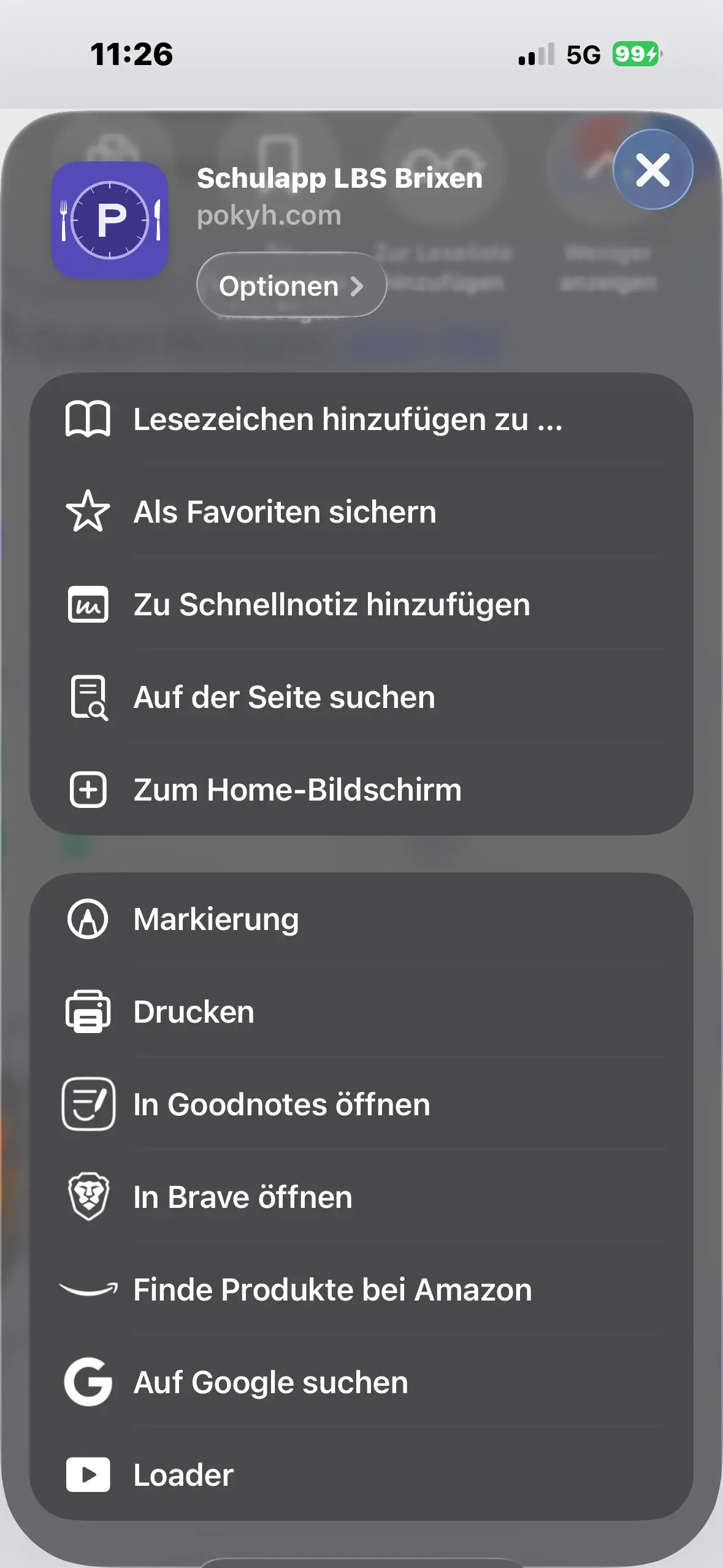
“Add to Home Screen”
Scroll down in the menu and tap “Add to Home Screen”.
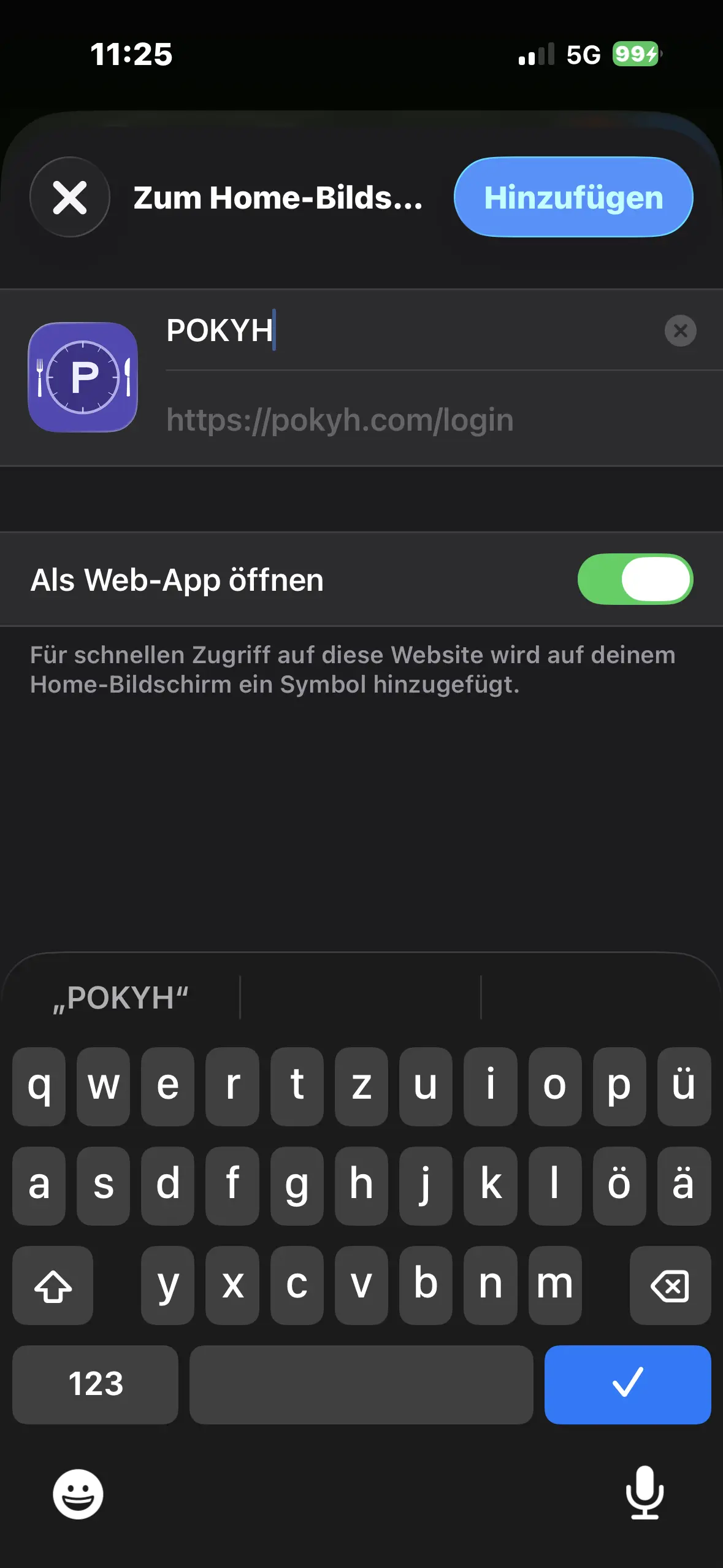
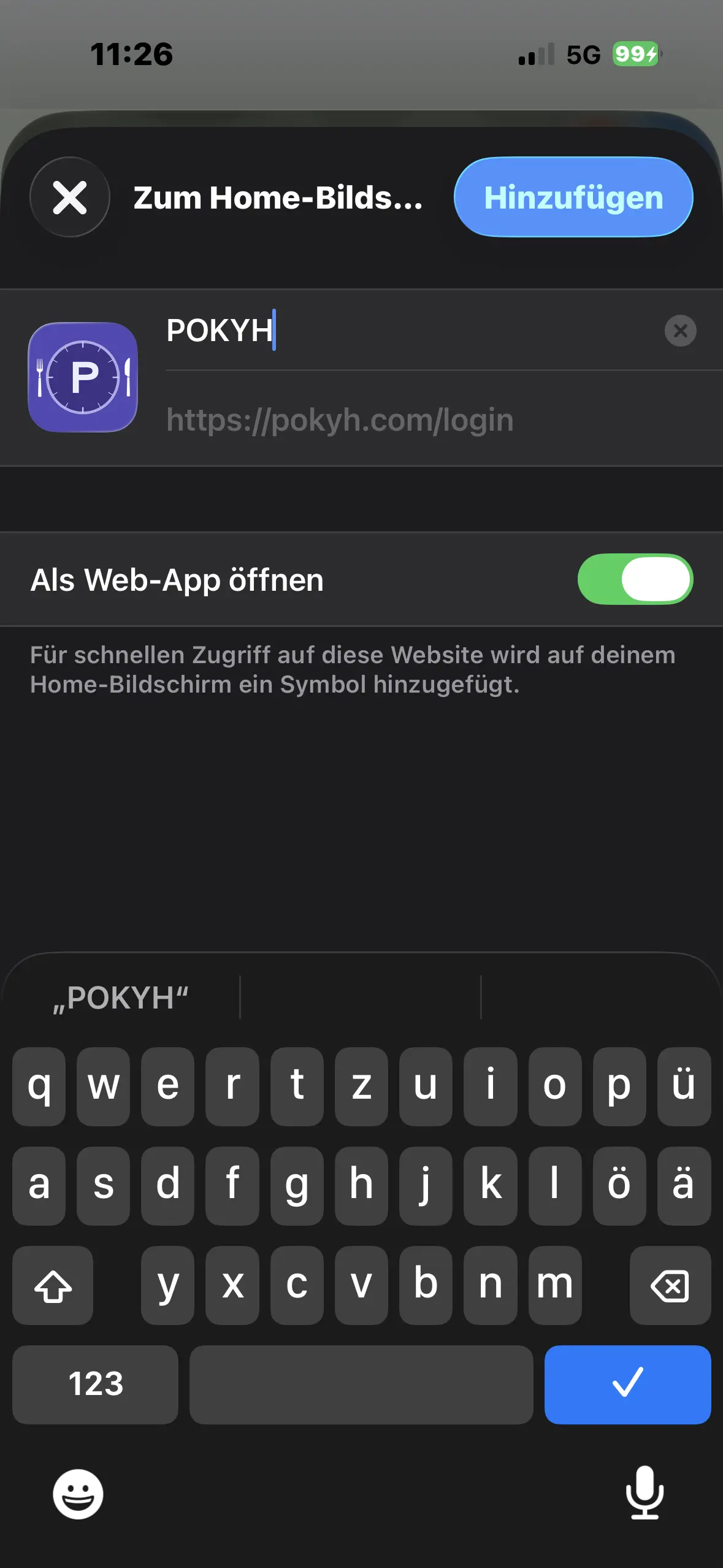
Add
You can change the name. Then tap “Add” in the top right.
Done
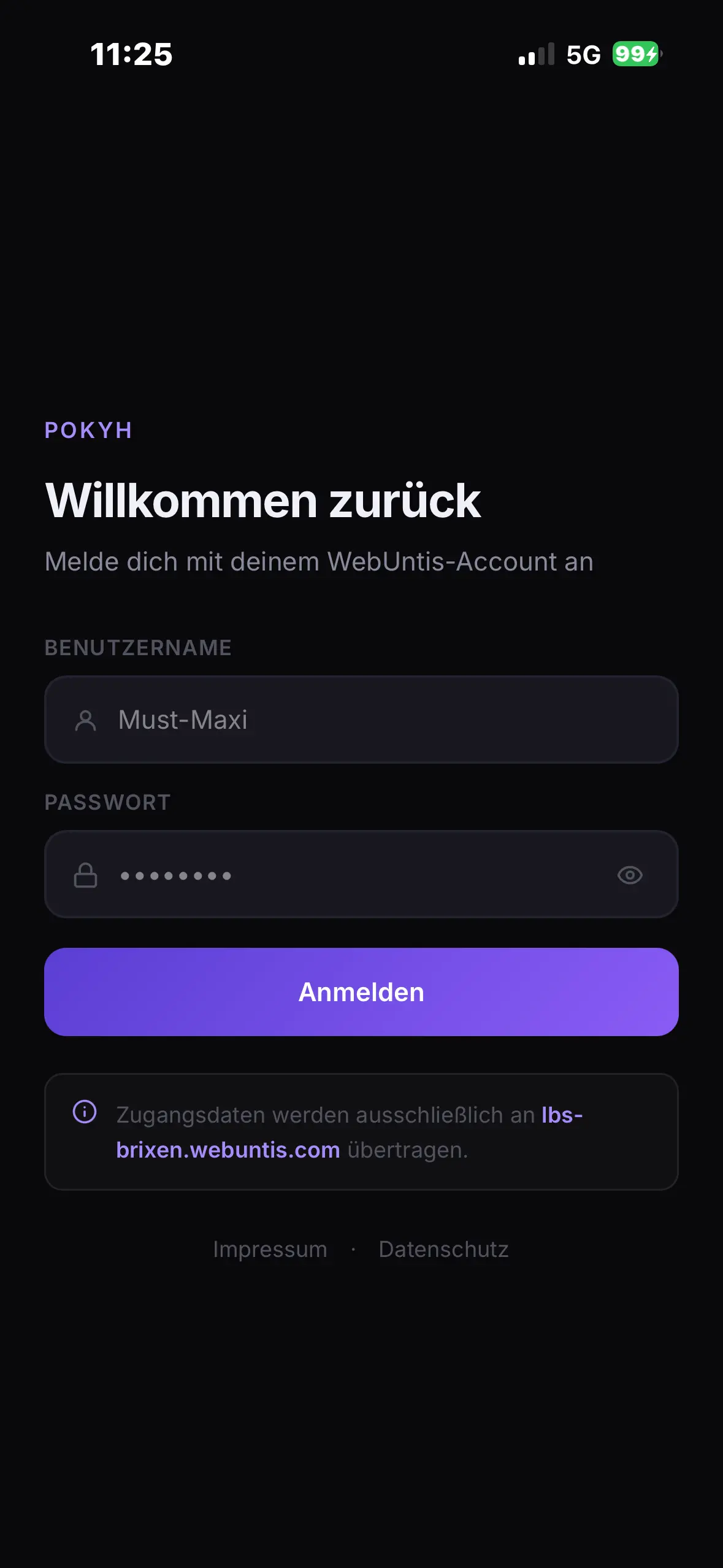
POKYH is an icon on your home screen and opens full screen, without an address bar. Updates arrive automatically.